
Just follow these steps
A seven-step playbook that changes how you manage clients
The seven steps
Basic setup
Nothing extra to install — you can start with the treadmill you already have.
In detail
- 1
Unboxing
Open the Pacer carrier, lift the foam layer holding the sensor unit, and check the strap and charging cable underneath.
- 2
Attach the strap to the breath sensor
Slide the dedicated strap onto the sensor body and lock it in place.
- 3
Attach the mask to the breath sensor
Join the mask and the sensor to finish preparing for measurement.
- 4
Attach the strap to the heart-rate monitor
Connect the dedicated strap to the heart-rate sensor.
- 5
Power on the breath sensor and heart-rate monitor
Fitting the equipment
Clients feel the professionalism before the test even starts — trust builds on its own. It's the first thing that sets your consultation room apart.
In detail
- 1
Put on the mask
Seat the mask against the face so it covers both nose and mouth, watching for air leaks around the bridge of the nose and the cheeks.
- 2
Put on the heart-rate monitor
Fit the heart-rate monitor to the upper arm.
- 3
Enter basic information
Enter the basic details needed to generate the test result.
- 4
Pair over Bluetooth
Pair both devices in the analysis app.
Running the test
The measurement runs itself, so staff barely have to touch it — which cuts the time each client takes to run through.
In detail
- 1
Exercise following the app's guidance
The client runs on the treadmill at the intensity the app calls out, stage by stage.
- 2
Stops automatically at 100%
After roughly 8 to 10 minutes, the test ends by itself once progress reaches 100%.
Training plan & consultation
Talking through real data means clients genuinely understand where their body is, giving trainers something concrete to coach from. It also gives your plans an objective basis.
In detail
- 1
Report generated automatically
The moment the test ends, a report is generated with FATMAX, heart-rate zones and pace charts.
- 2
Walk through the report
Explain current fitness and how reachable their goal is, using the data.
- 3
Strategy per goal
Set intensity, exercise type and frequency around the client's goal — weight loss, strength or endurance.
Weekly monitoring
Trainers program from data instead of by feel, so plans stay consistent — and trust between client and trainer gets a lot firmer.
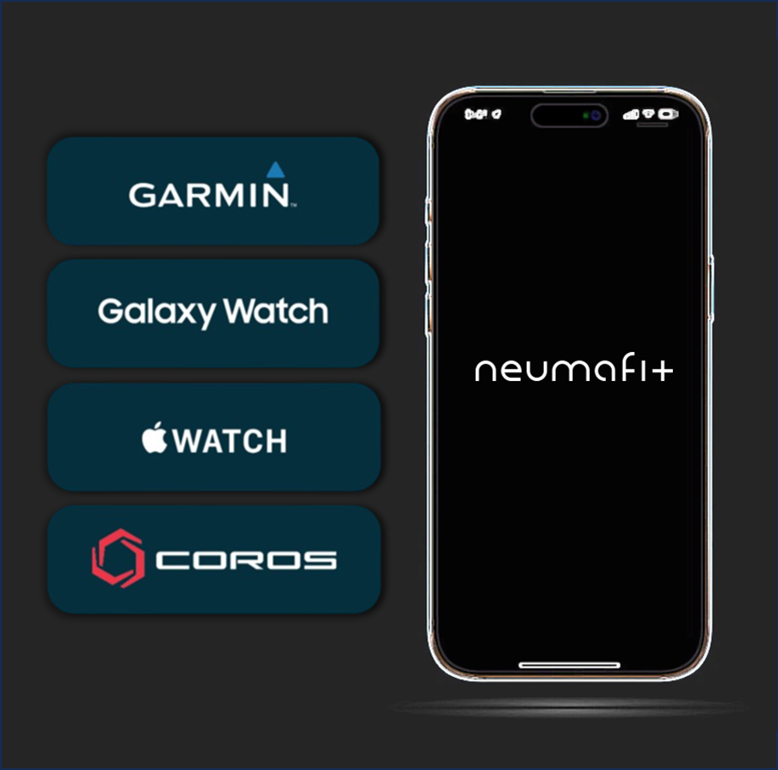
Link a smartwatch to the client app once, and training records flow to the trainer automatically while the client gets a weekly analysis report.
In detail
One-time smartwatch pairing in the client app (Garmin, Galaxy, Apple, Coros)
Everyday training records shared automatically with their trainer
Weekly training data analysed automatically into a tailored report
The trainer walks the client through the report as coaching
Re-testing & progress
When clients see their own progress, they have a reason to keep going — a clear reason to keep training.
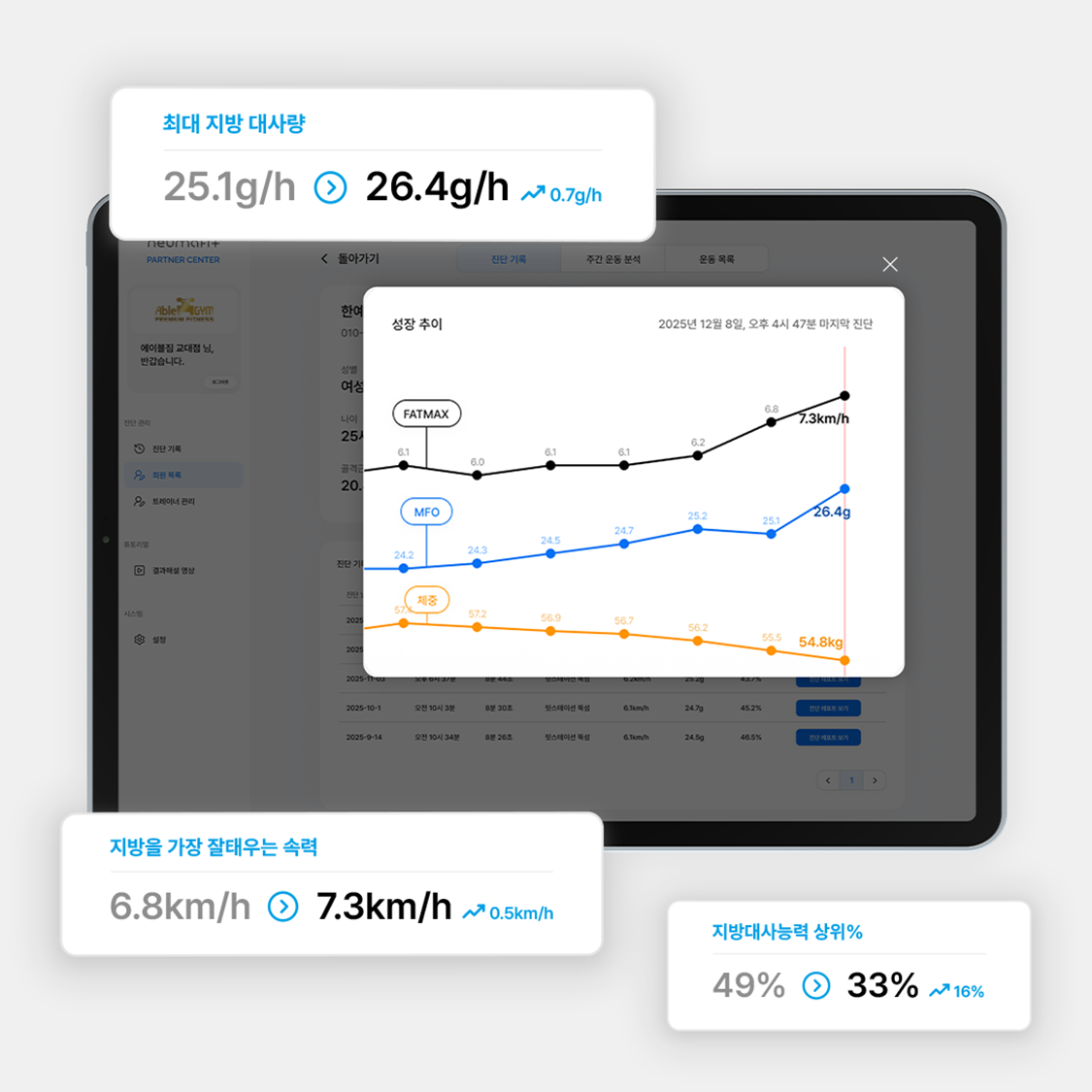
Check in periodically on how much aerobic capacity has improved, and keep refining toward the most effective cardio strategy.
In detail
Improved fat metabolism
Better metabolic flexibility and recovery
Higher overall fitness
Training strategy updated to match the trend
Running the Cardio Game
Once training feels like a game rather than an obligation, clients show up on their own. Cash and prize rewards get them started; clearing missions one by one turns it into a habit that sticks.
How a session plays
Monthly missions, live rankings and challenges appear in the client app automatically, while staff configure missions and rewards freely from the operations console.
In detail
A character generated per client, matched to their plan
Live coaching feedback driven by heart rate
Challenge rewards for results — cash or prizes
Curious about bringing the test in?
A specialist will get back to you within 24 hours.